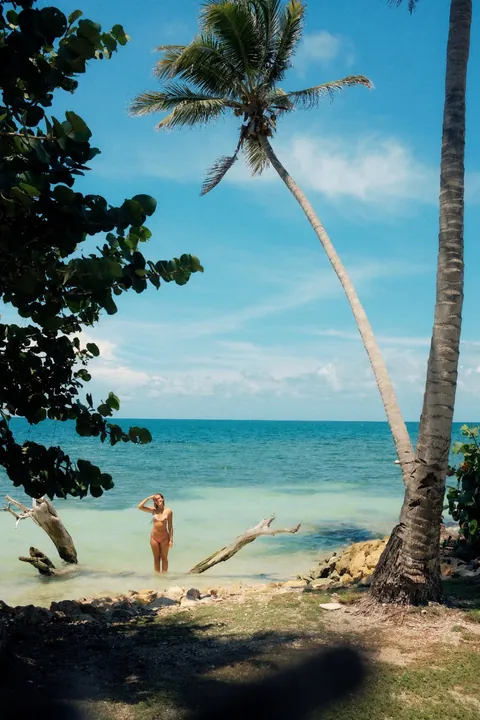
Step 01
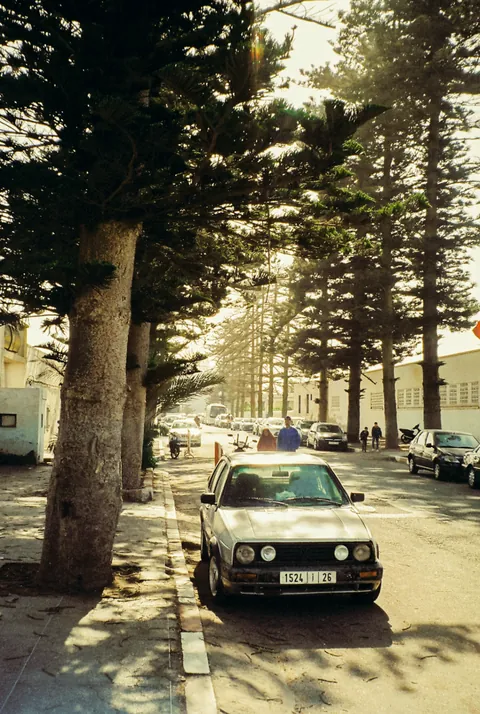
Shoot the roll
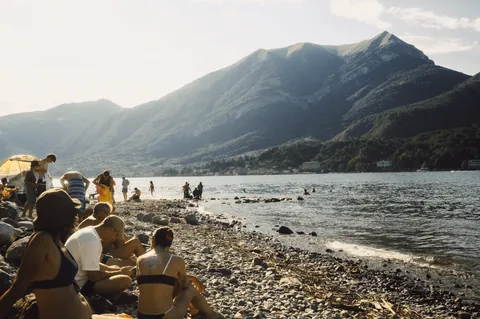
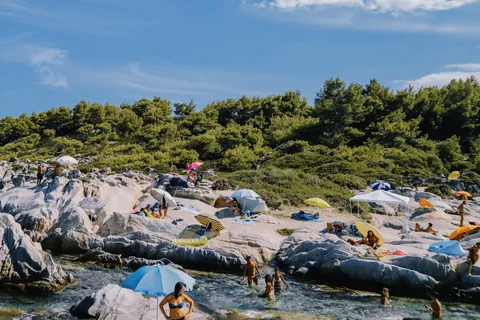
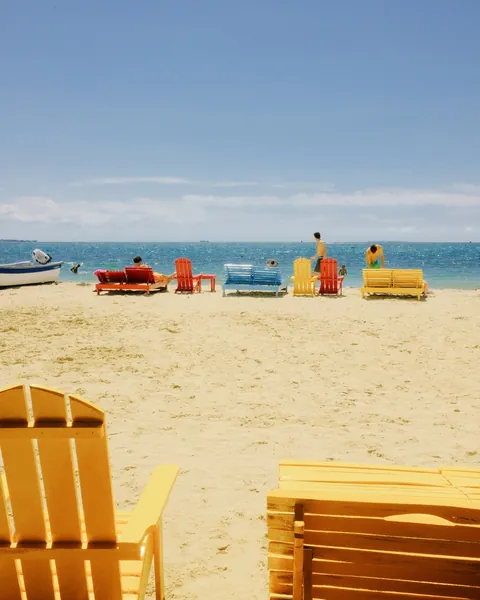
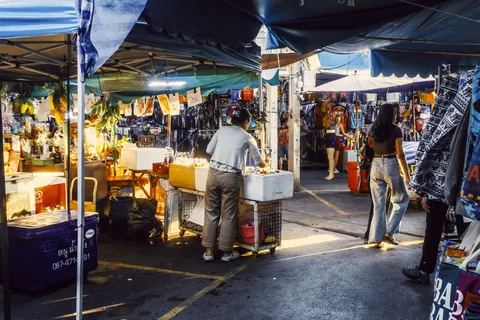
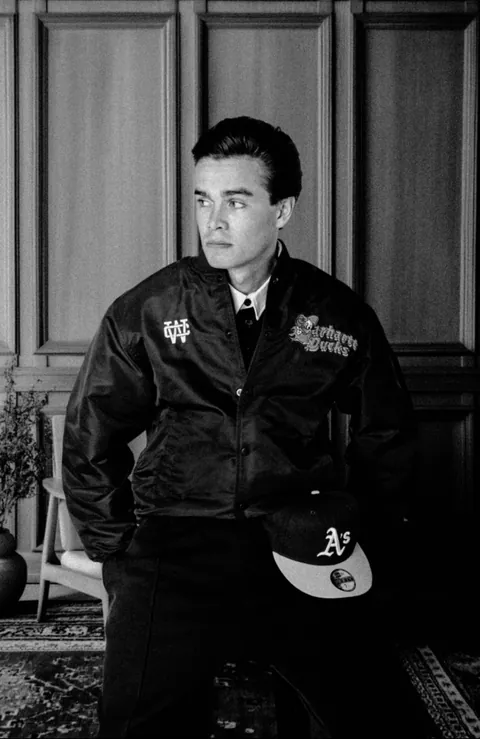
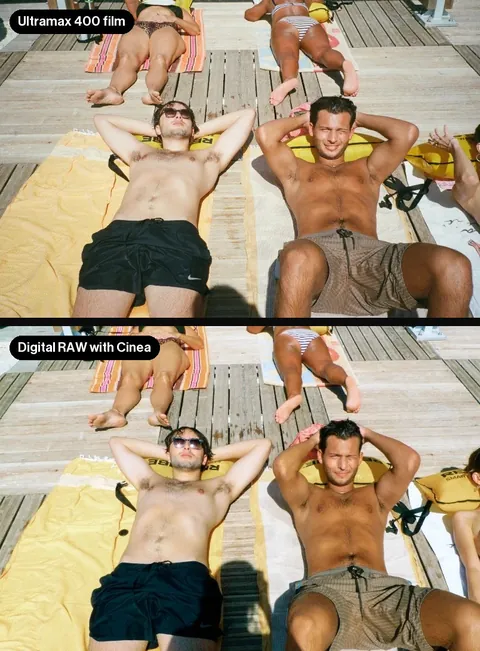
Every stock is shot on real 35mm rolls.
About Cinea
A small studio in Amsterdam that measures real film and rebuilds it for your camera.
The idea
Read straight off developed film, so skin, sky and shadow land where they did. A preset can only guess.
Grain and halation are our closest approximation. Nothing digital is a perfect copy of analog.
What a profile does
A preset
Basic panel
Paints over Adobe’s colour by moving your sliders. Change the light, and it falls apart.
A Cinea profile
Basic panel
Replaces how the RAW is read. The colour comes from the film. Your sliders stay at zero.
The process
A measurement first, a look second.
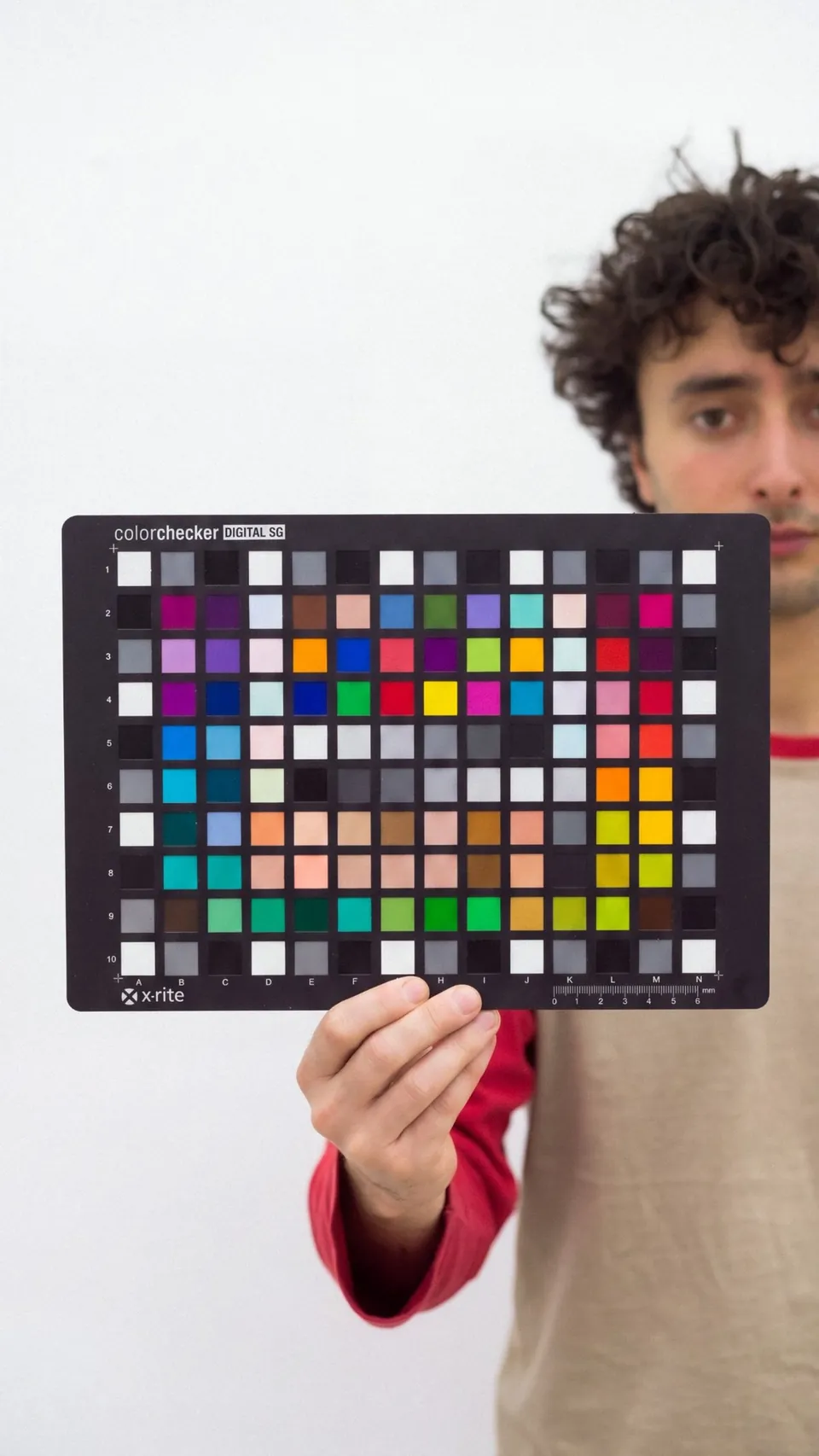
It starts with a chart
Every stock is measured against a chart of 140 known colours, from skin tones to pure greys.
We shoot it on film and on digital in the same light. The difference, patch by patch, is what the profile rebuilds.
Step by step
Step 01
Every stock is shot on real 35mm rolls.
Step 02
Developed and scanned on a Noritsu. That scan is the reference.
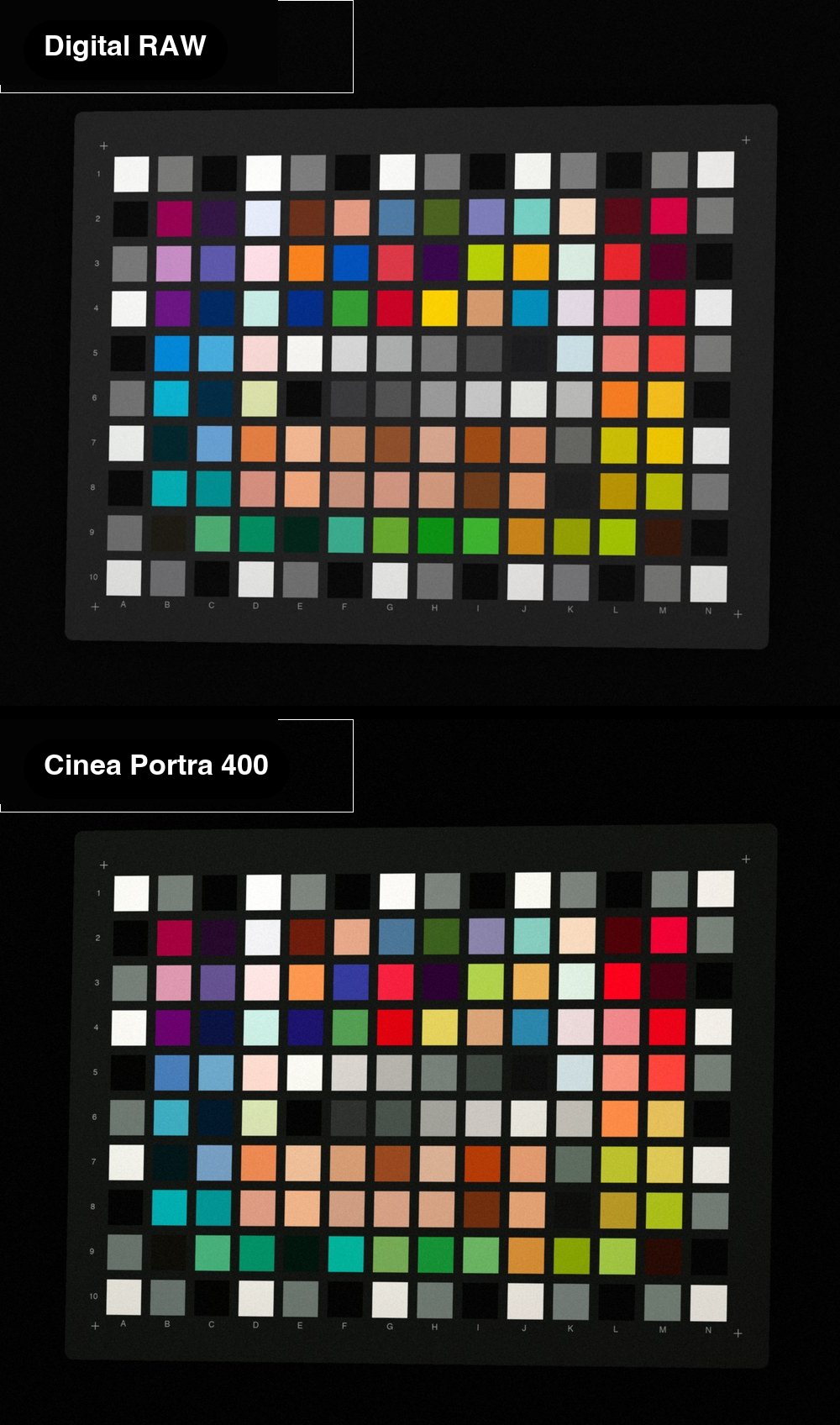
Step 03
140 colour patches, shot on film and digital in the same light. The difference becomes the profile.
Step 04
Checked against twenty more frames until skin, sky and shadow match.
The result: 24 film profiles, ready in your editor.
Eight stocks in three exposures, for Lightroom and Capture One. €60 once.
The stocks
Why we built this
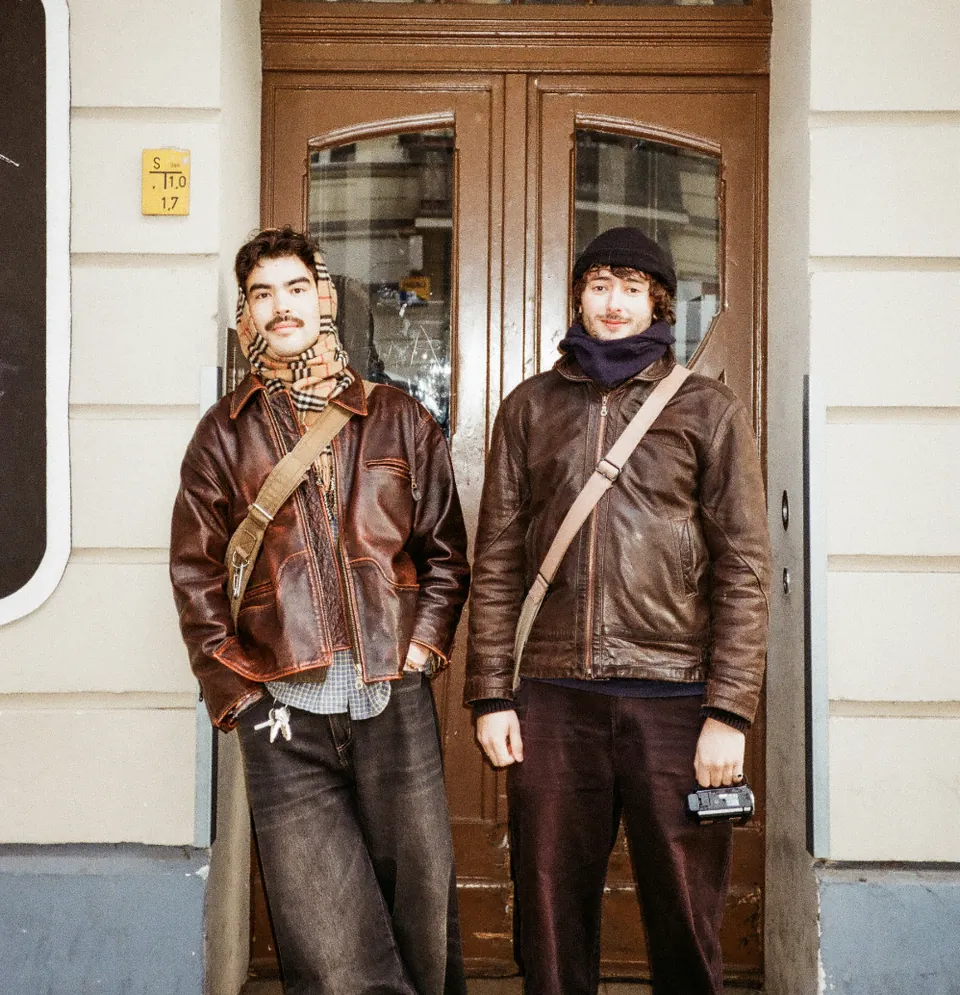
Crushed shadows, magenta skin. So Marijn shot 27 rolls, had them scanned, and matched every digital file to the scans by eye.
Missing a stock? Email us. The most requested ones get made first.
★★★★★4.9, used by 491 photographers
Read all reviews“I do a lot of grading for Assouline publishers and these profiles are a great way to work.”
 Tom Steventon, Colour grader
“The profiles are extraordinarily good. I shoot on my iPhone 17 Pro Max … they work brilliantly on Raw, Pro Raw and Apple portrait mode.”
 candistandphoto, Shoots on iPhone
“Everything works just fine. Love the colour of the profiles, nice work!”
 Jorik Den Braber, Verified buyer
One payment, instant download, for Lightroom and Capture One
We use one cookie to see which of our ads bring people here. Nothing else. Privacy