Drops in

Film colour, measured from real scans. Rendered on your RAW.
★★★★★4.9, used by 491 photographers
Read all reviews“I’ve looked for the perfect film profiles for years. Till i found cinea.”
 Richard Ashia, Wedding photographer, London
“The profiles are extraordinarily good. I shoot on my iPhone 17 Pro Max … they work brilliantly on Raw, Pro Raw and Apple portrait mode.”
 candistandphoto, Shoots on iPhone
“Everything works just fine. Love the colour of the profiles, nice work!”
 Jorik Den Braber, Verified buyer
Why Cinea
Real film colour, on your own photos.
Pick a stock in Lightroom or Capture One and your photo looks like it came back from the lab.

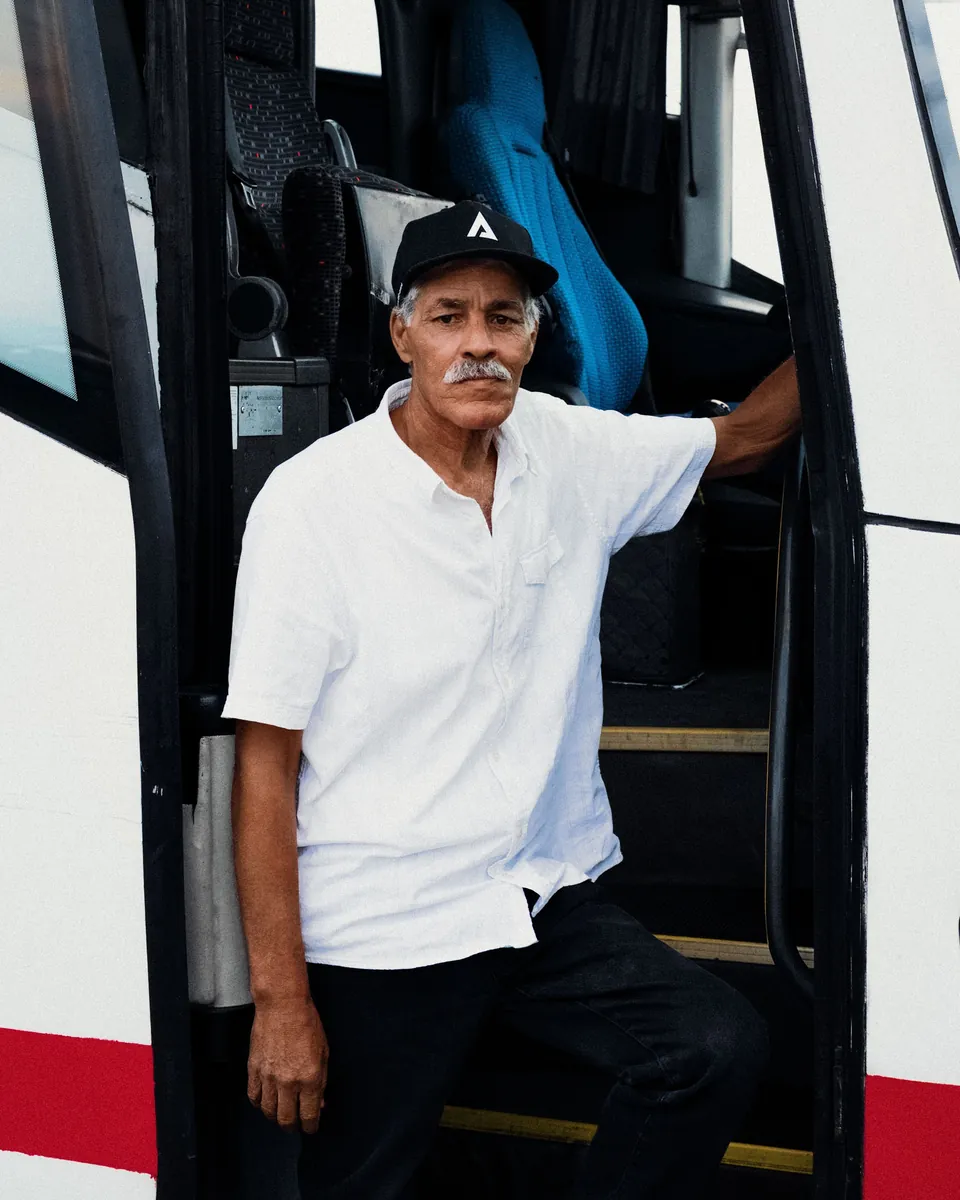


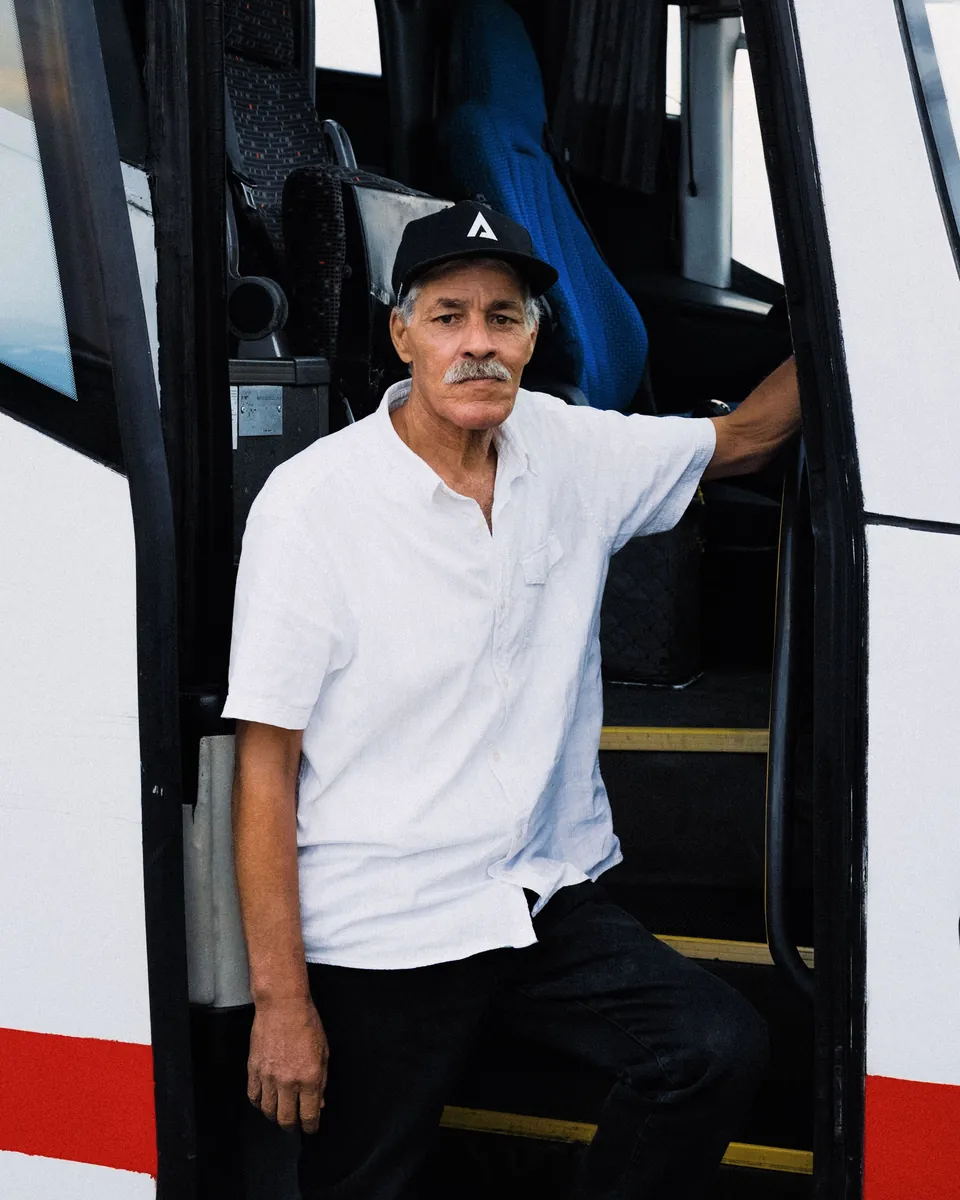
Same RAW twice. Only the profile changed.
The proof
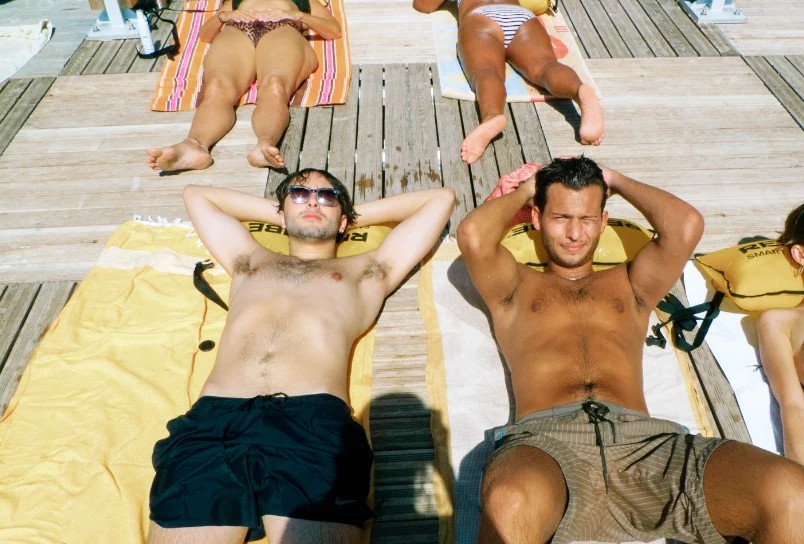
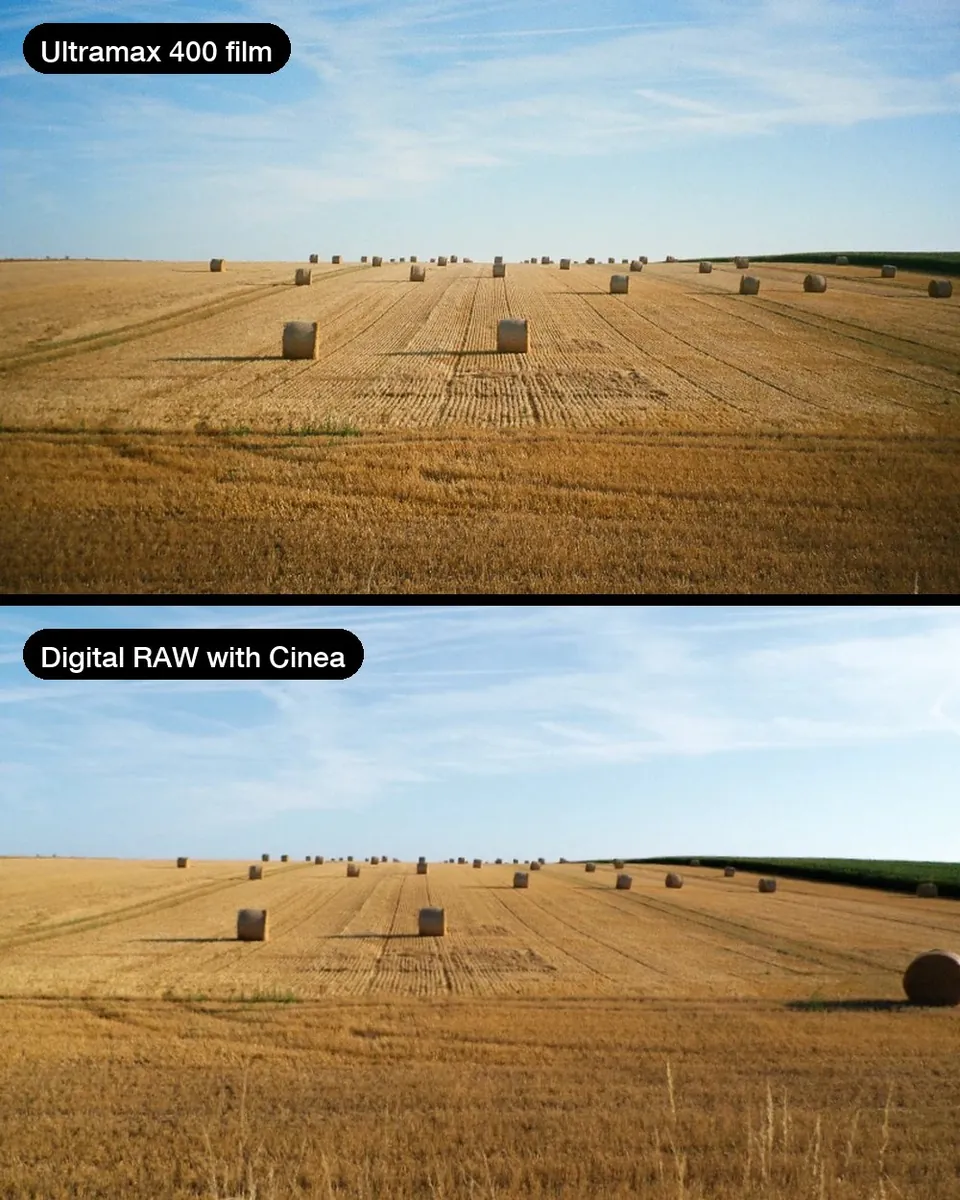
Real film, next to Cinea.
We aim for 95% of real film. Anyone promising a 100% match is overselling, no two rolls or scans are even the same.
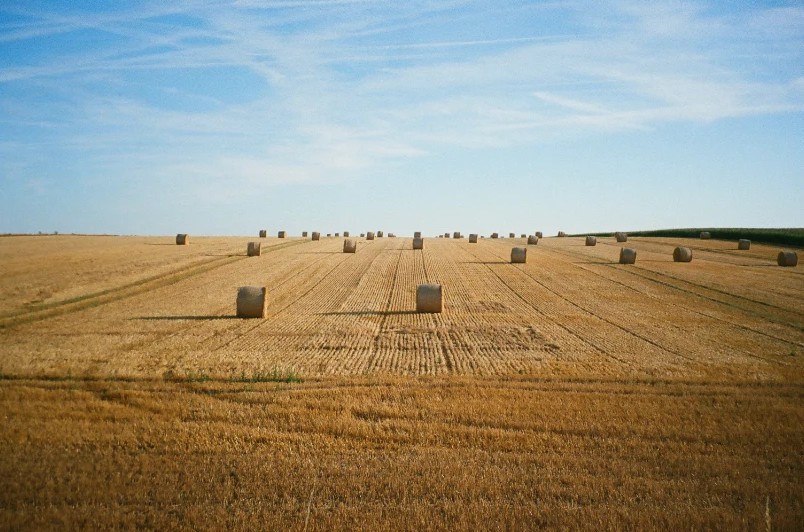
 Real film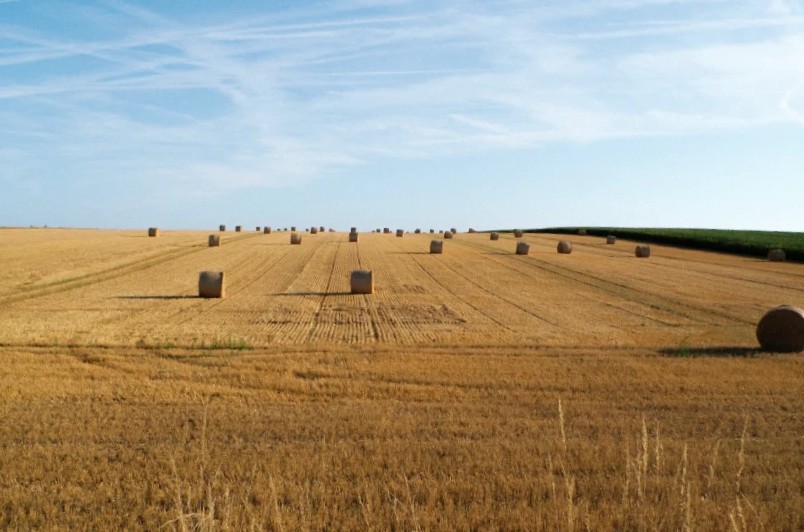
 Cinea on RAW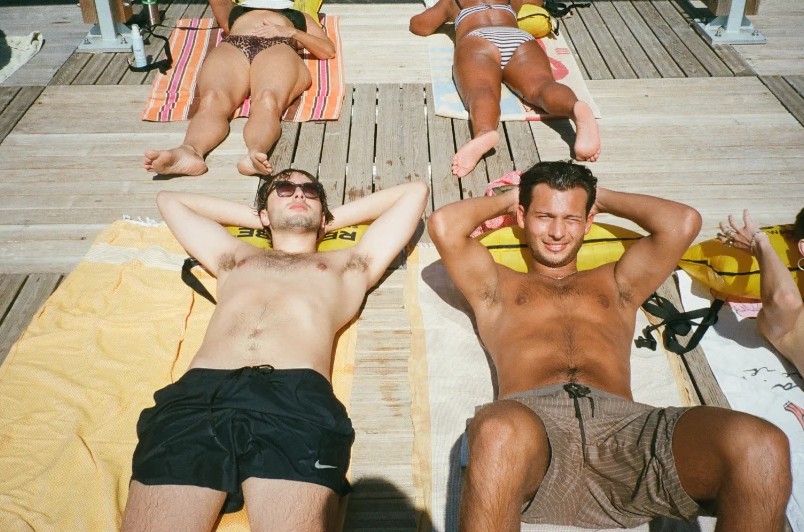
Try a stock
Eight films, on the same RAW.
Pick a stock, then drag across the photo.
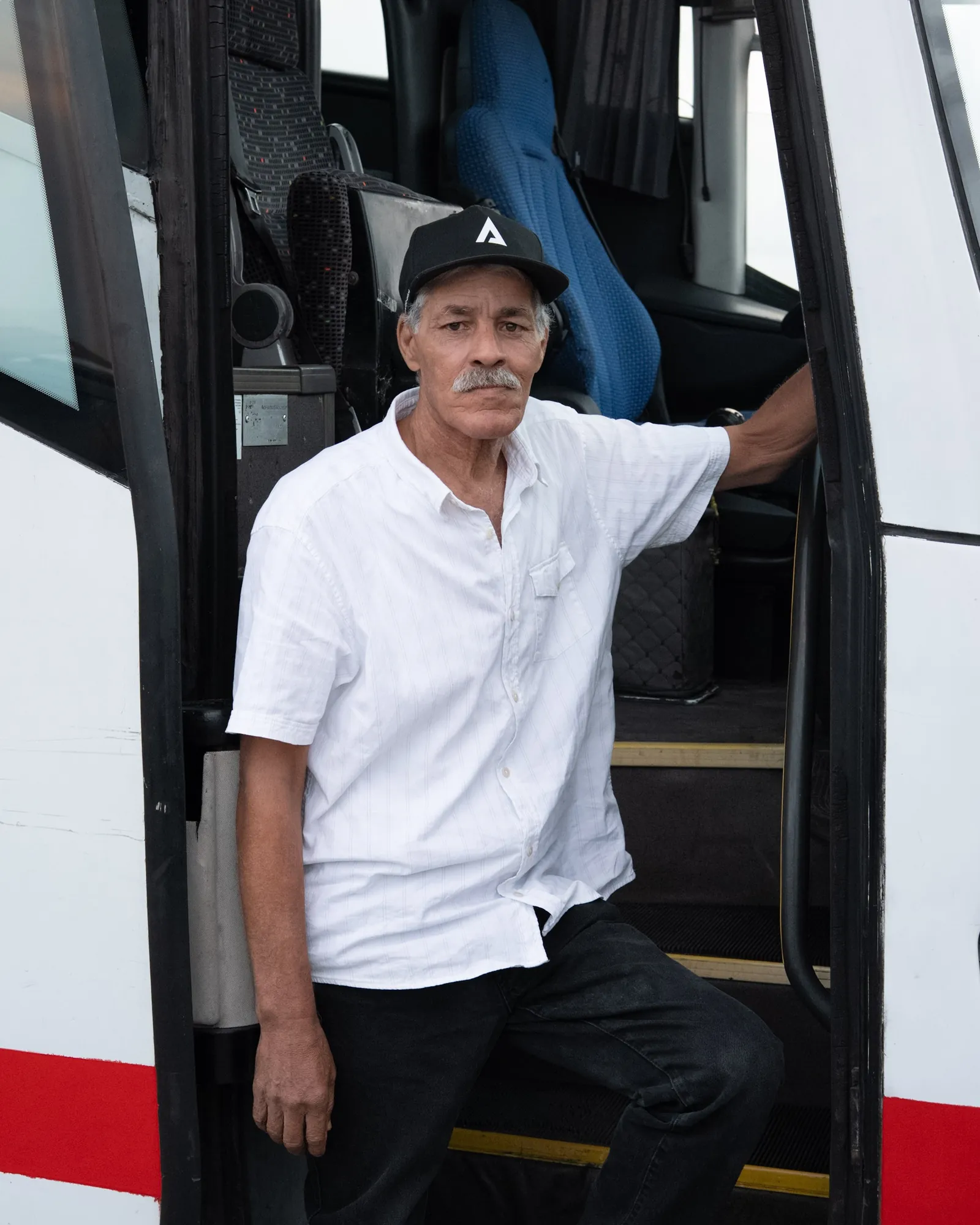
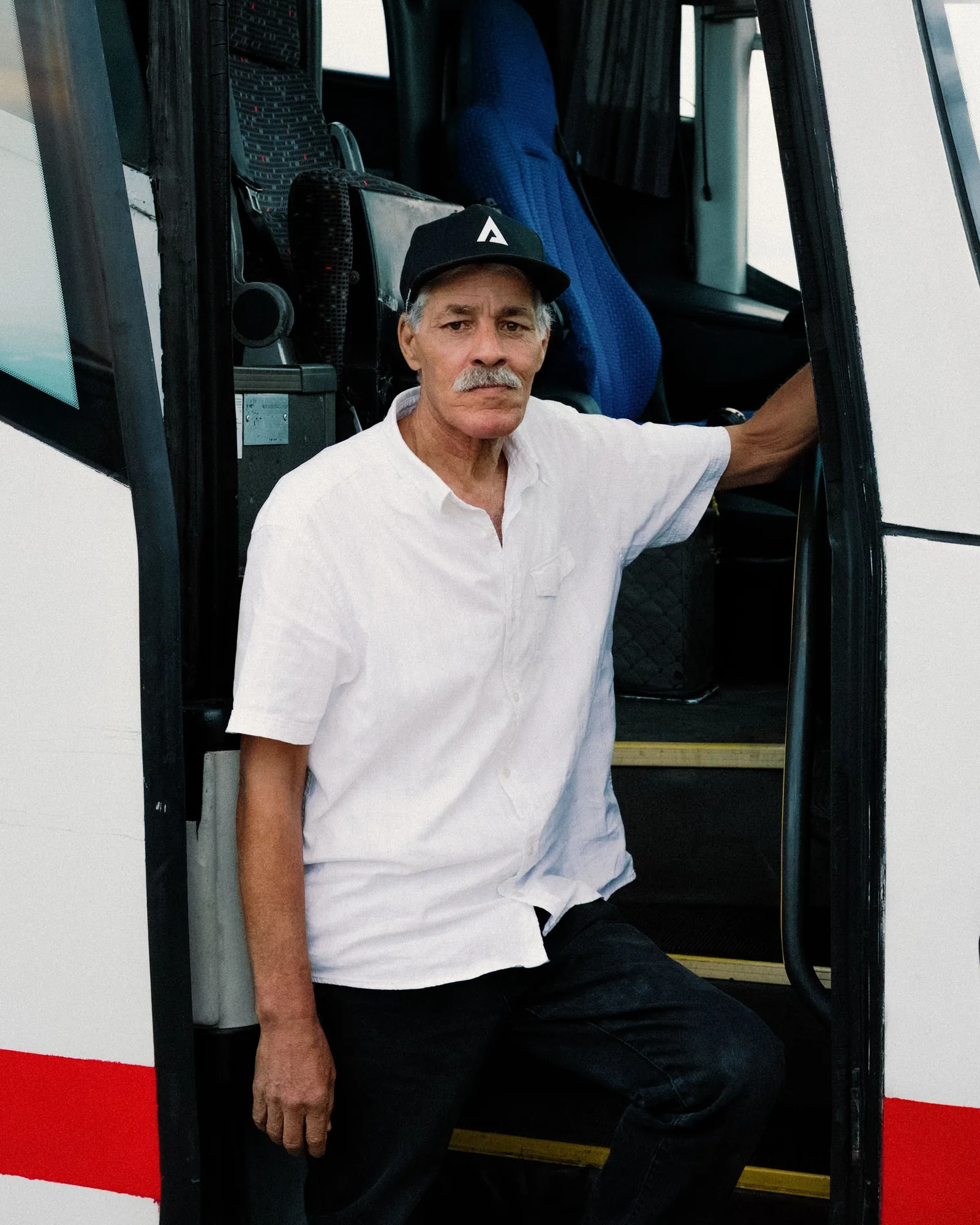 RAWPortra 400
Film stock
Scene
Sony A7 IV, 50mm f/7.1, ISO 1250
RAWPortra 400Scene
Sony A7 IV, 50mm f/7.1, ISO 1250
The stocks
Eight stocks in one pack.
Each in three exposures.
Tap a stock to see real photos
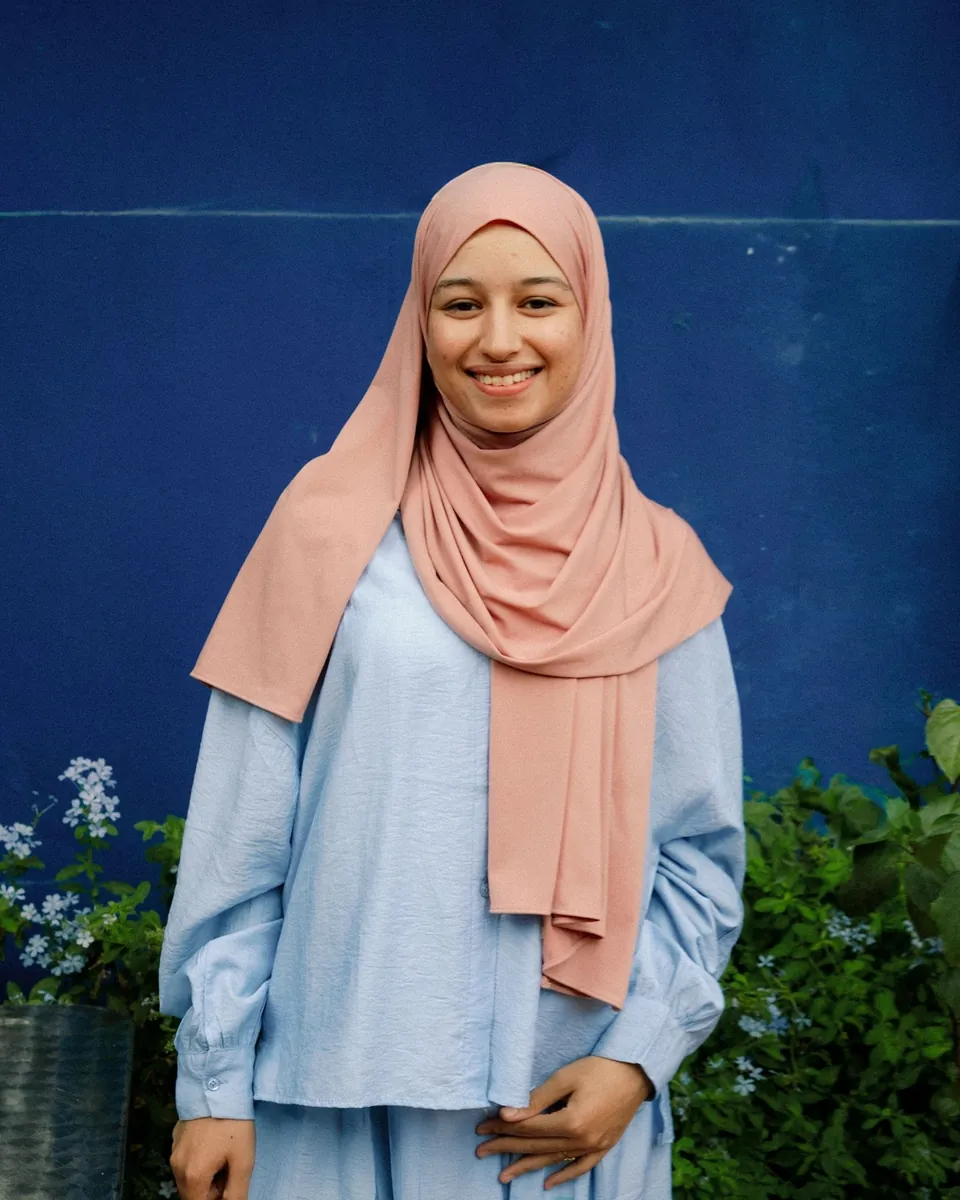
Portra
400Warm portrait film, ISO 400

Gold
200Saturated daylight film, ISO 200
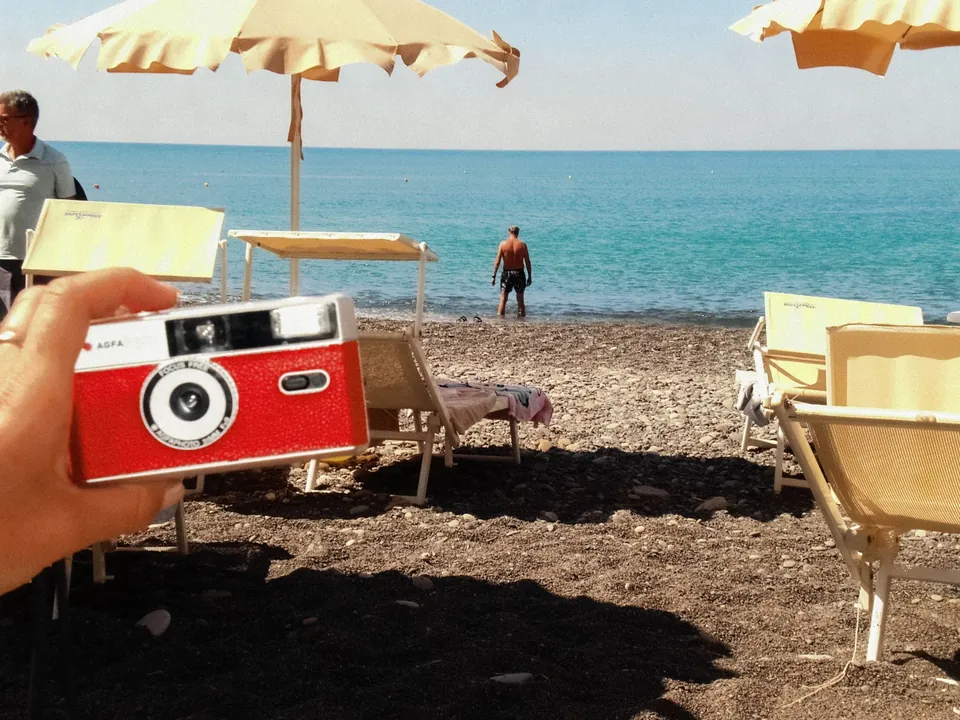
Ultramax
400Vivid everyday film, ISO 400
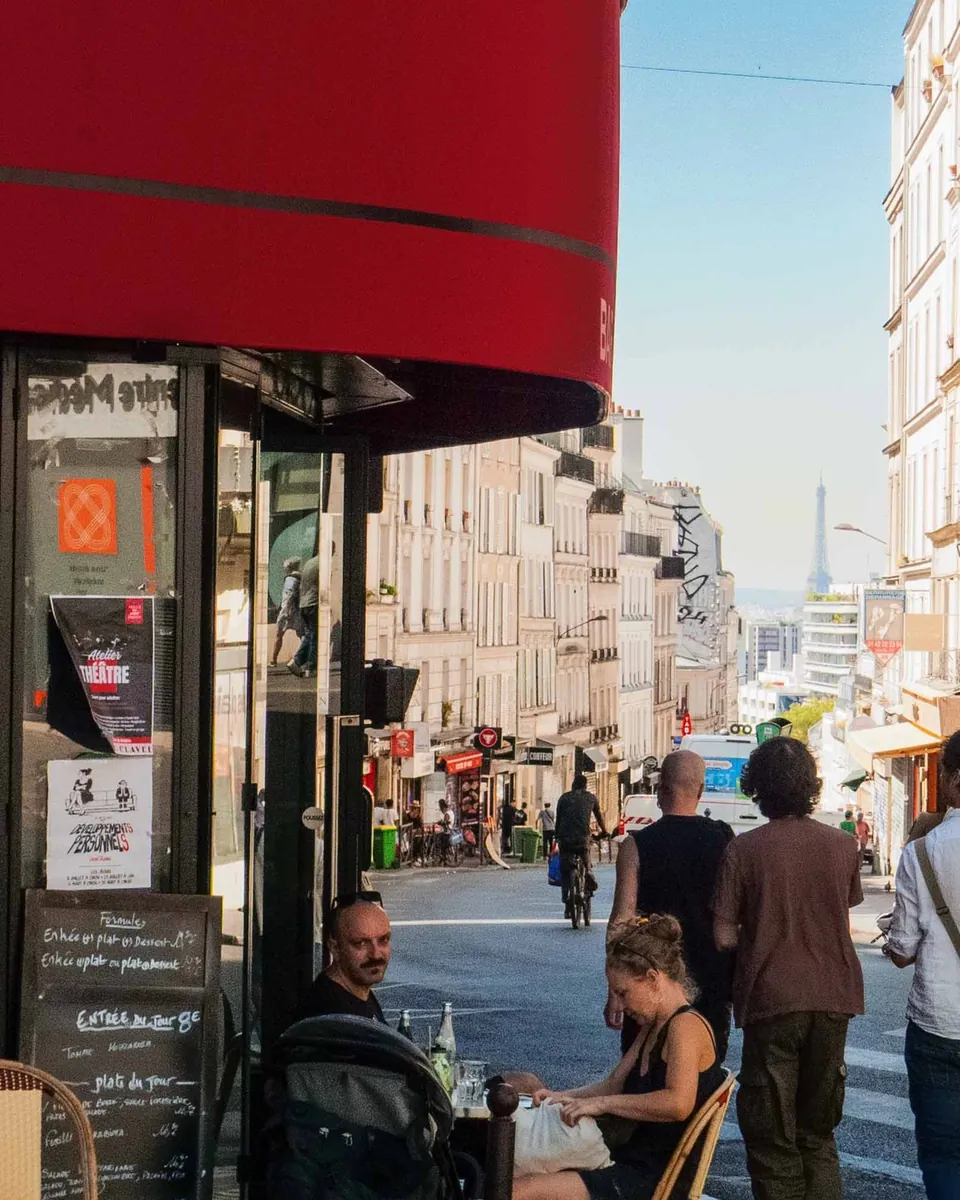
Ektachrome
100Crisp slide film, ISO 100

Ektar
100Sharp, vivid colour film, ISO 100
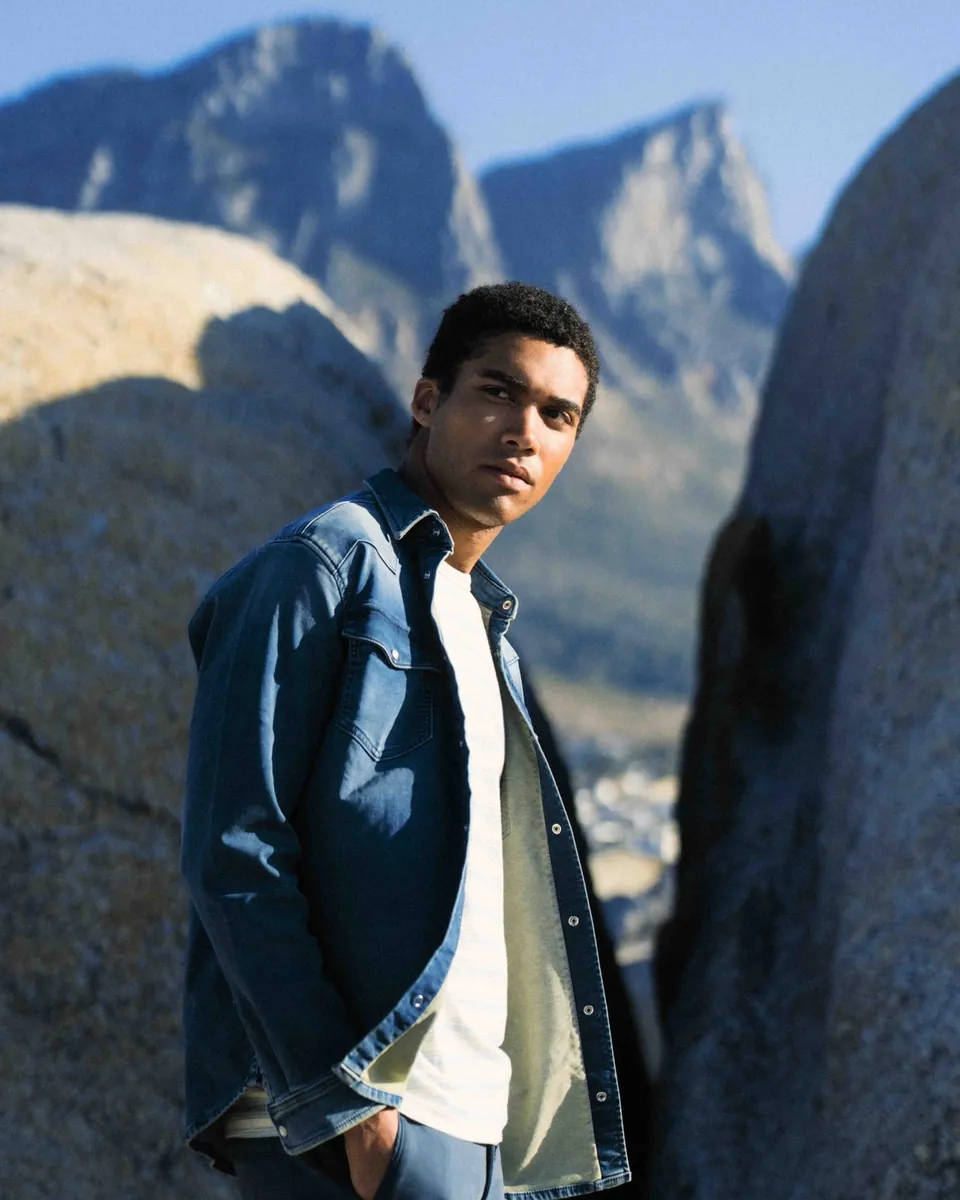
Vision3
250DDaylight cinema film, ISO 250
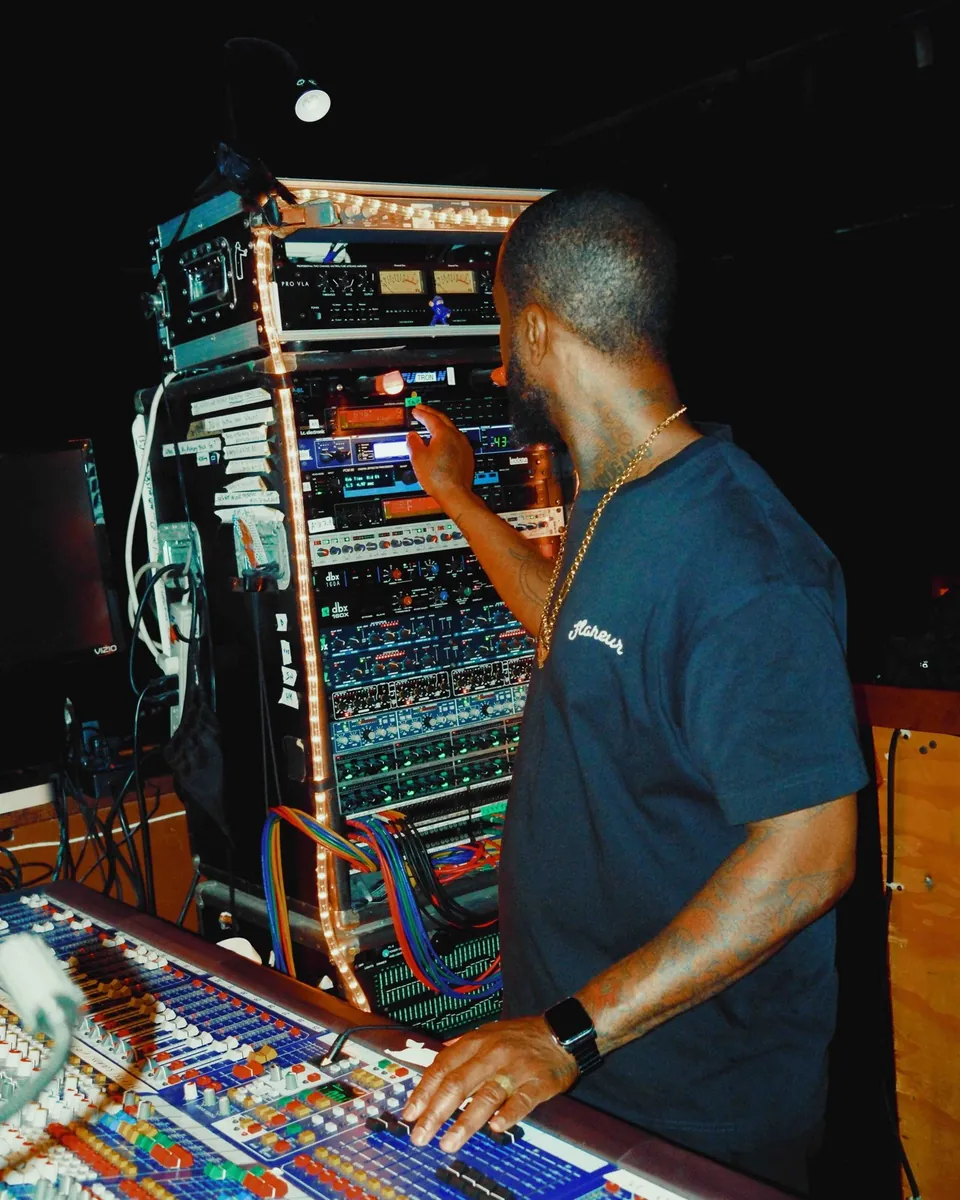
Cinestill
800TTungsten cinema film, ISO 800
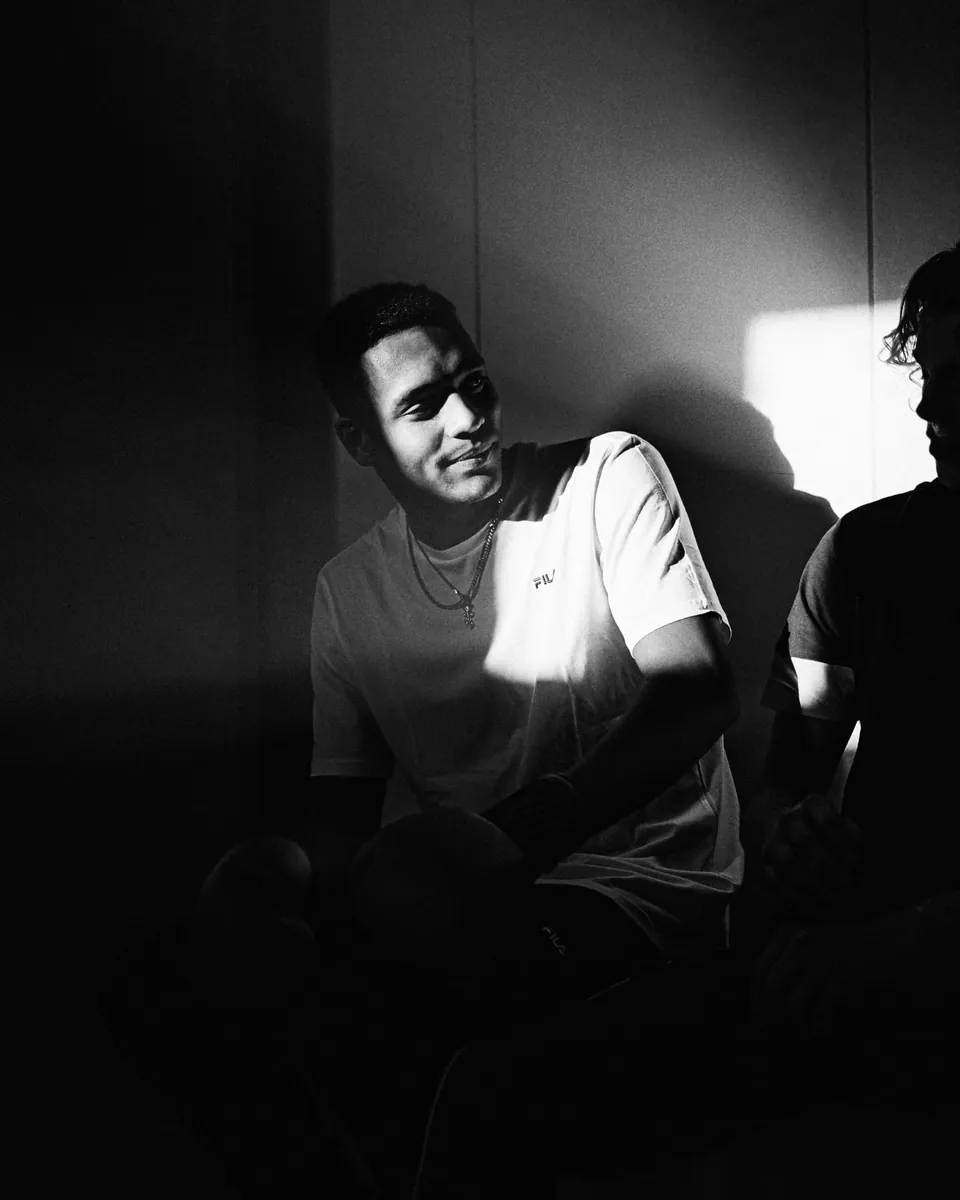
HP5
400Classic black and white, ISO 400
Reviews
Used by 491 photographers.
★★★★★ 4.9 out of 5 on Judge.me
“I’ve looked for the perfect film profiles for years. Till i found cinea.”
apexmoments_ukapexmoments_uk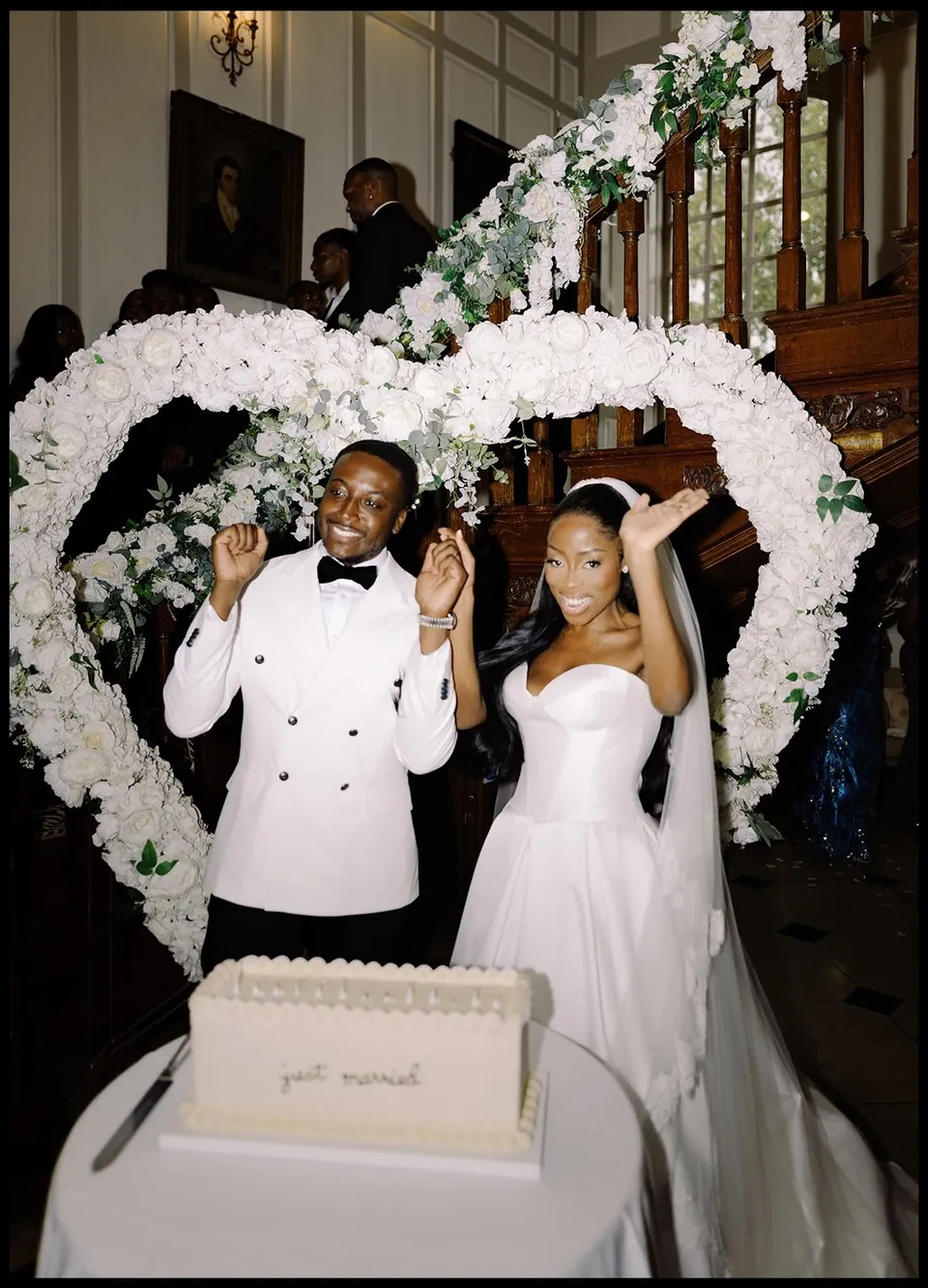
Tunde & Ifey
I integrate them into my editing sometimes
To make them look like they were shot on film
I think these were edited with the Kodak Gold
Woww these photos are so sick!!!
Pff looks so good!❤️
I’ve looked for the perfect film profiles for years
Till i found cinea
Can I use this on my site?
Yes
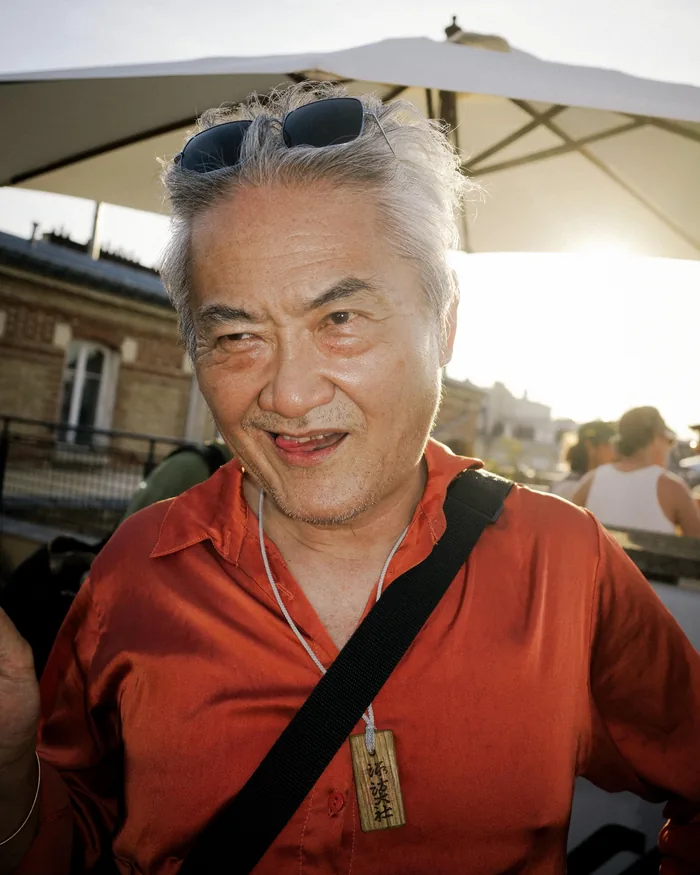
“Wanted to say these profiles are unreal. I shoot natural light a lot and they just work every time. Using it on 90% of my client work now.”
 Thomas de Boer @masdethomasInstagram DM and verified review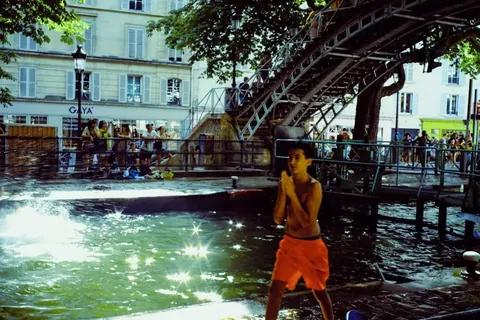
“I just bought the pack… my favorite film is the cinestill 800 and the resemblance is perfect”
 Marin Roulland @mrnrldInstagram DM and verified review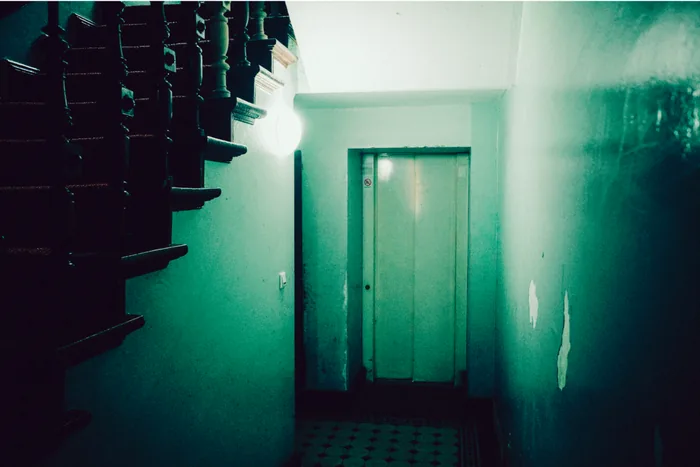
“Had a quick shoot with a friend and already loved the colors. Excited to try them on commercial / editorial work.”
 Can Wagener BerlinEmail and verified review
Get Cinea
All eight stocks.
One price.
24 profiles for Lightroom and Capture One.
Get Cinea- iDEAL
- Apple Pay
- PayPal
- Visa
- Mastercard
- Film stocks
- 8, colour and black and white
- Exposures
- Each stock in 3, so 24 profiles
- Editors
- Lightroom and Capture One
- Presets
- 44, from grain to colour fades
- Updates
- Free, stocks 9 and 10 too
Gold 200, free
Not ready yet?
Try one stock free.
Leave your email and Gold 200 lands in your inbox, so you can try it on your own RAW files first.
Free, no card needed. Unsubscribe anytime.
Samples
Any camera. Film colour.
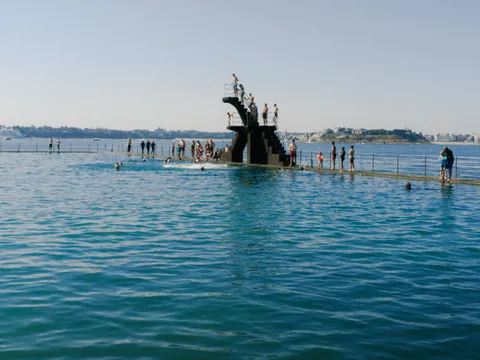
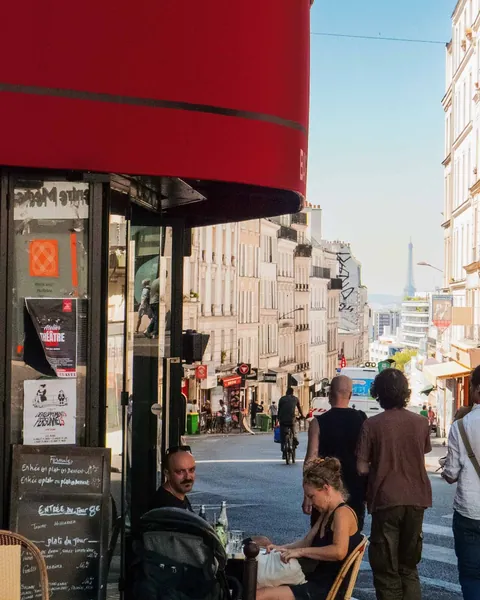
Real work by Cinea users, on any camera. No extra grading.





Why I built this
I shot 27 rolls to get film colour right.
I’m Marijn. Every profile pack I tried got Portra wrong. Crushed shadows, magenta skin, yellow where it should be warm.
So I shot 27 rolls on my Canon AE1 and matched every digital file to the lab scans.
Marijn, @marijnchaouch
How it’s made
Four steps, from a real roll to a profile.
01
Shoot the roll
Every stock is shot on real 35mm rolls.
02
Develop and scan
Developed and scanned on a Noritsu. That scan is the reference.
03
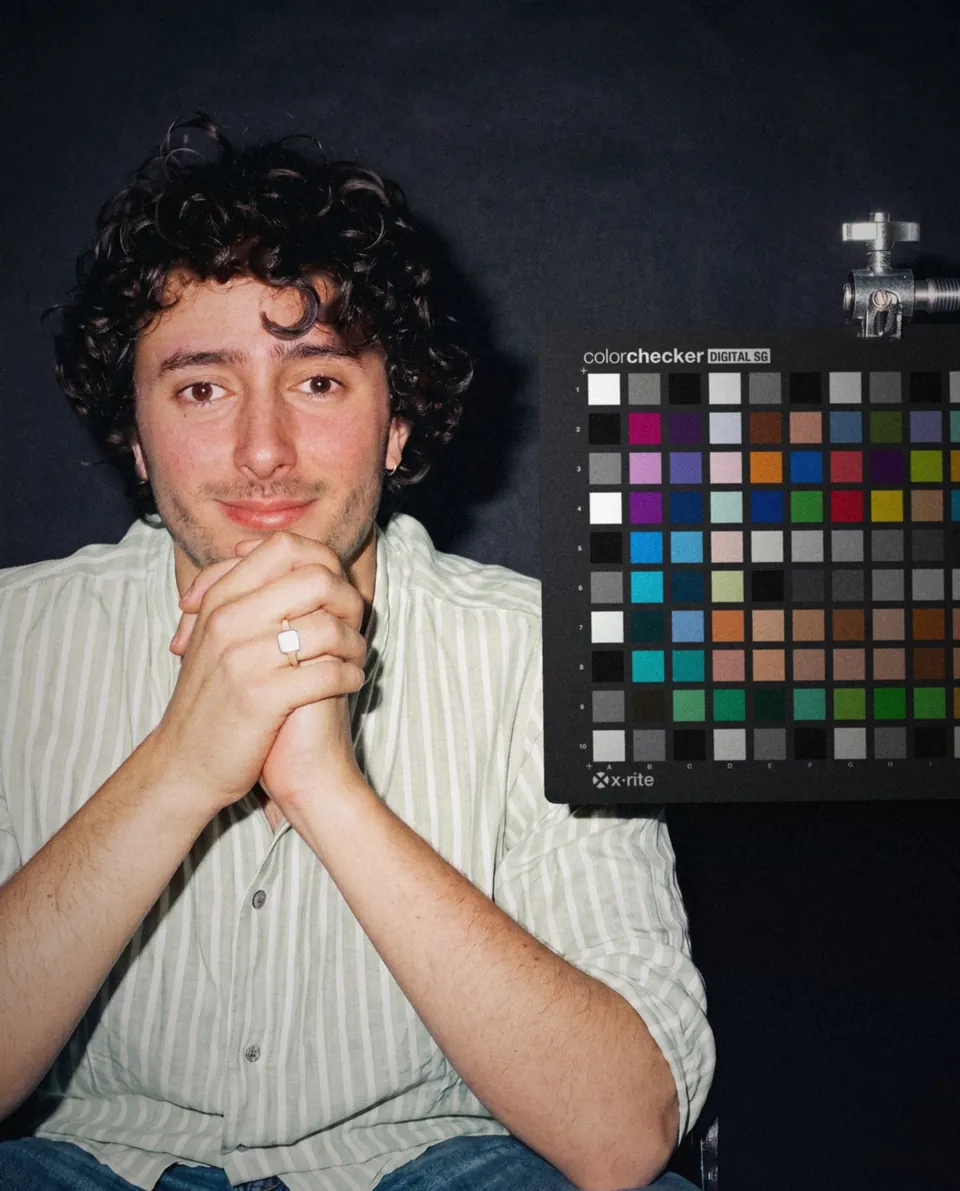
Measure against a chart
140 colour patches, shot on film and digital in the same light. The difference becomes the profile.
04
Refine by hand
Checked against twenty more frames until skin, sky and shadow match.
Your editor
Installed in two minutes.
Double click, restart, done.
Adobe Lightroom
Classic, CC and Mobile
Capture One
Version 21 and later
Install guide, under two minutes
Will it work on my camera?
If Lightroom or Capture One opens your RAW files, Cinea works on them.
I’ve bought presets before and was disappointed. Why is this different?
A preset moves your sliders, so it looks different on every photo. Cinea is a camera profile. It changes how the RAW is read, based on real film, and your sliders stay free.
Will it work with my camera?
If Lightroom or Capture One opens your RAW files, yes. JPEGs work too, just less precisely.
Does it work in both Lightroom and Capture One?
Yes. Lightroom Classic, Lightroom, Lightroom Mobile and Capture One 21+, matched.
What are the −1 and +1 versions?
Film looks different a stop under or over. −1 is denser and warmer, +1 lighter and softer. Your brightness stays the same, so start at 0.
Bring film back into your work.
One payment, instant download, for Lightroom and Capture One
- iDEAL
- Apple Pay
- PayPal
- Visa
- Mastercard